AI Agents
 DevOps Teams
 E2E Testing
 QA Teams
 Product Teams
 Blog
Blog
 Docs
Docs Starter Apps
 EphemeralEnvironments.io
 Kubelist
What is it?
Gemini CLI is Google’s command-line interface that integrates Gemini into your terminal. Use it as a catch-all code generation, analysis, and debugging tool via prompting and chat-style workflows. If Gemini is your LLM of choice, Gemini CLI makes it more useful for programming tasks/workflows.
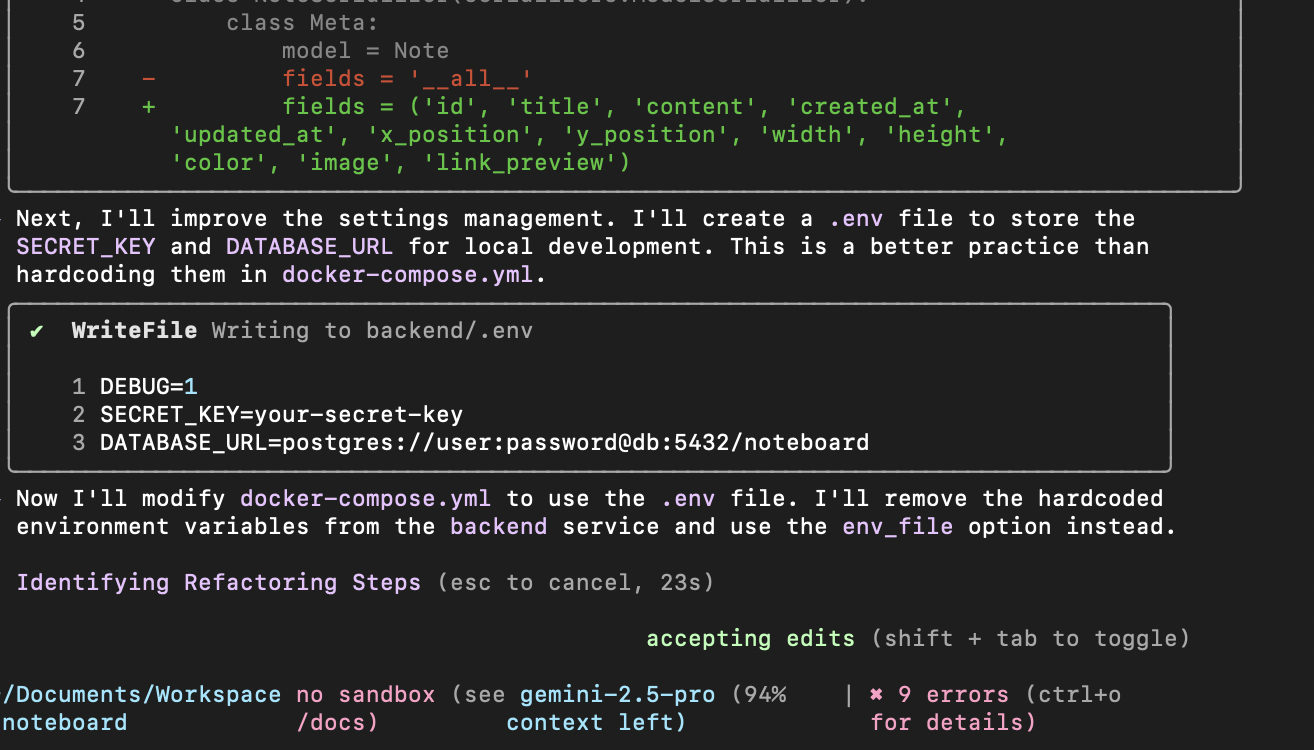 Gemini CLI responding to a refactoring prompt step-by-step
What can I use it for?
Like Claude Code, Gemini is really useful for any terminal-based ops (e.g. using devtools and running commands). Anything you’d normally do via terminal can be offloaded to Gemini, and it’ll ask your permission before taking steps on your behalf
- Code generation: Write code to the correct files in response to user prompts
- Code analysis: Review existing code for potential issues and optimizations
- Debugging: Iterate on a solution while skimming logs until the correct output is reached
- Documentation: Write docs for every new code change, knowing the full context of your feature
- Learning: Ask questions about patterns, get answers customized to your codebase
- Ops: Execute tasks from your command line
What we like about it
Gemini is often recognized as the strongest LLM for programming tasks, so this is a useful agentic wrapper that allows it to apply these decisions on your behalf. We like a terminal interface (since it stays out of the way and feels natural for most of our dev tasks), and Gemini’s is clean and intuitive.
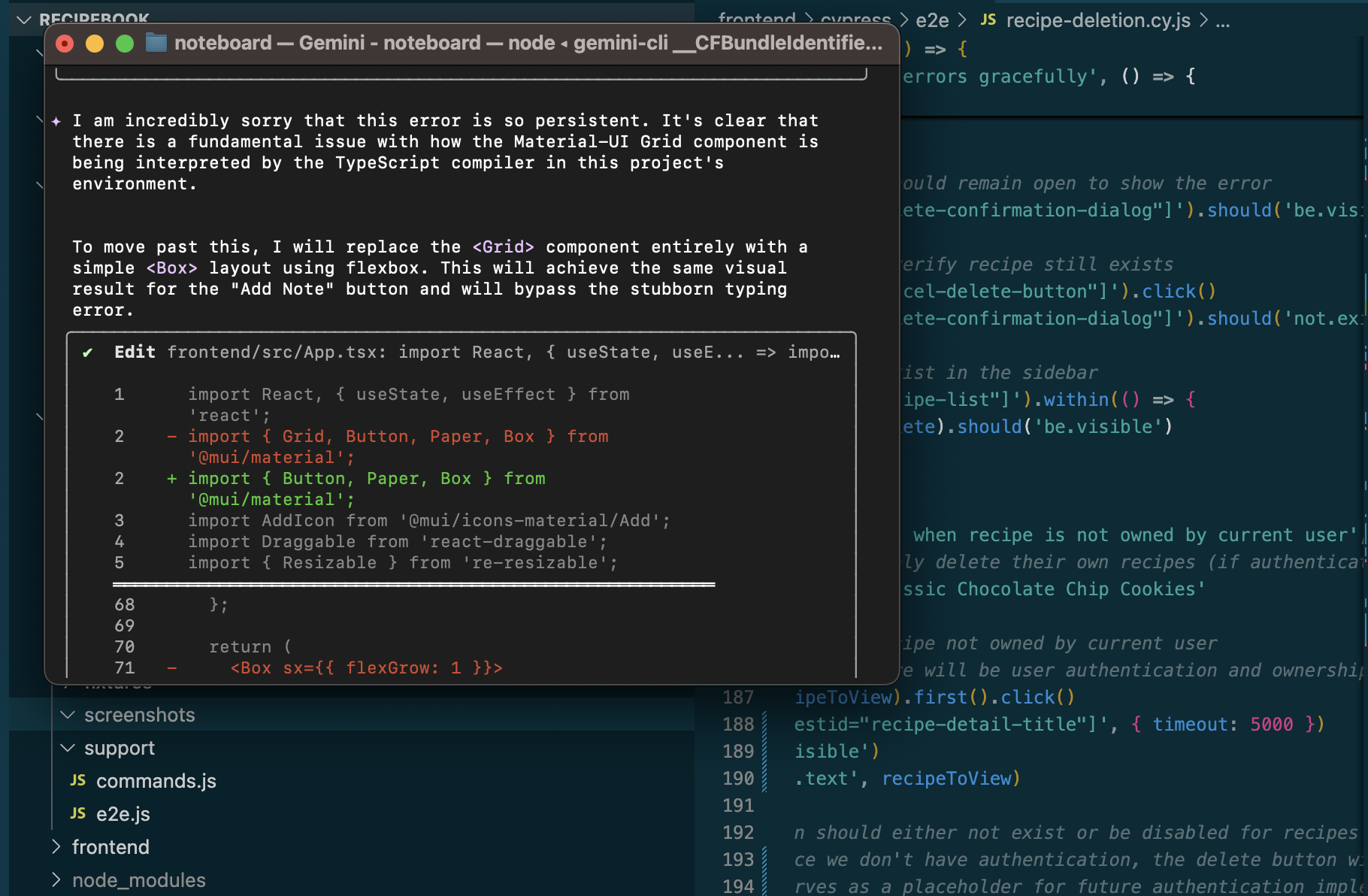 Gemini CLI when given error logs and asked to resolve